Prerequisites
Before you begin, ensure you have:- An active phone number on your Wavix account. If you need to purchase one, see our guide on how to buy a phone number.
- A SIP trunk (How to create a SIP trunk).
Configure Zoiper
1
Download and install Zoiper
Go to zoiper.com, download, and install the latest version.
2
Enter SIP trunk username and password
Enter your Wavix SIP trunk ID and password. Select Login.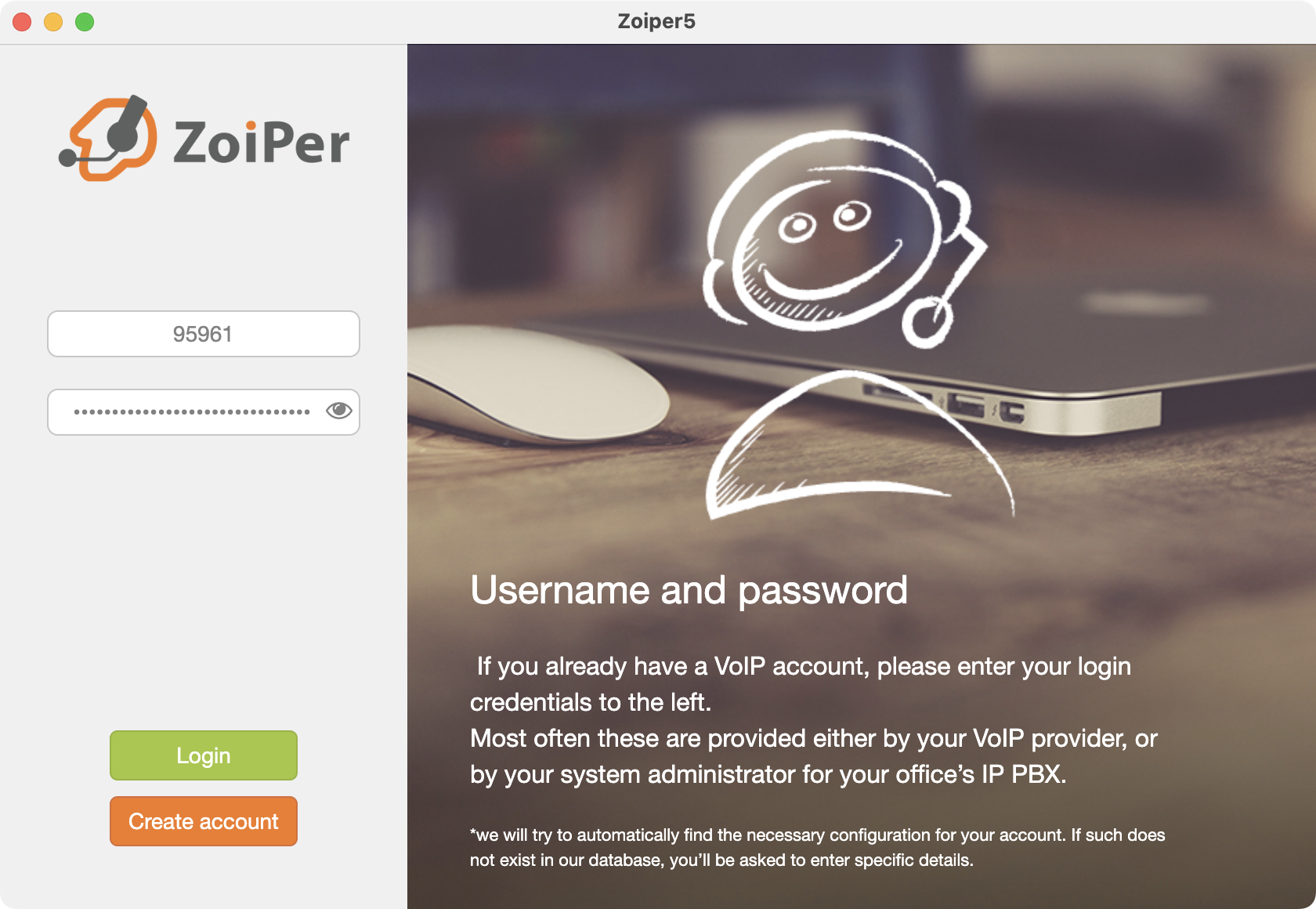
3
Enter the host name
Enter the address of one of Wavix’s regional SIP proxies. Select Next.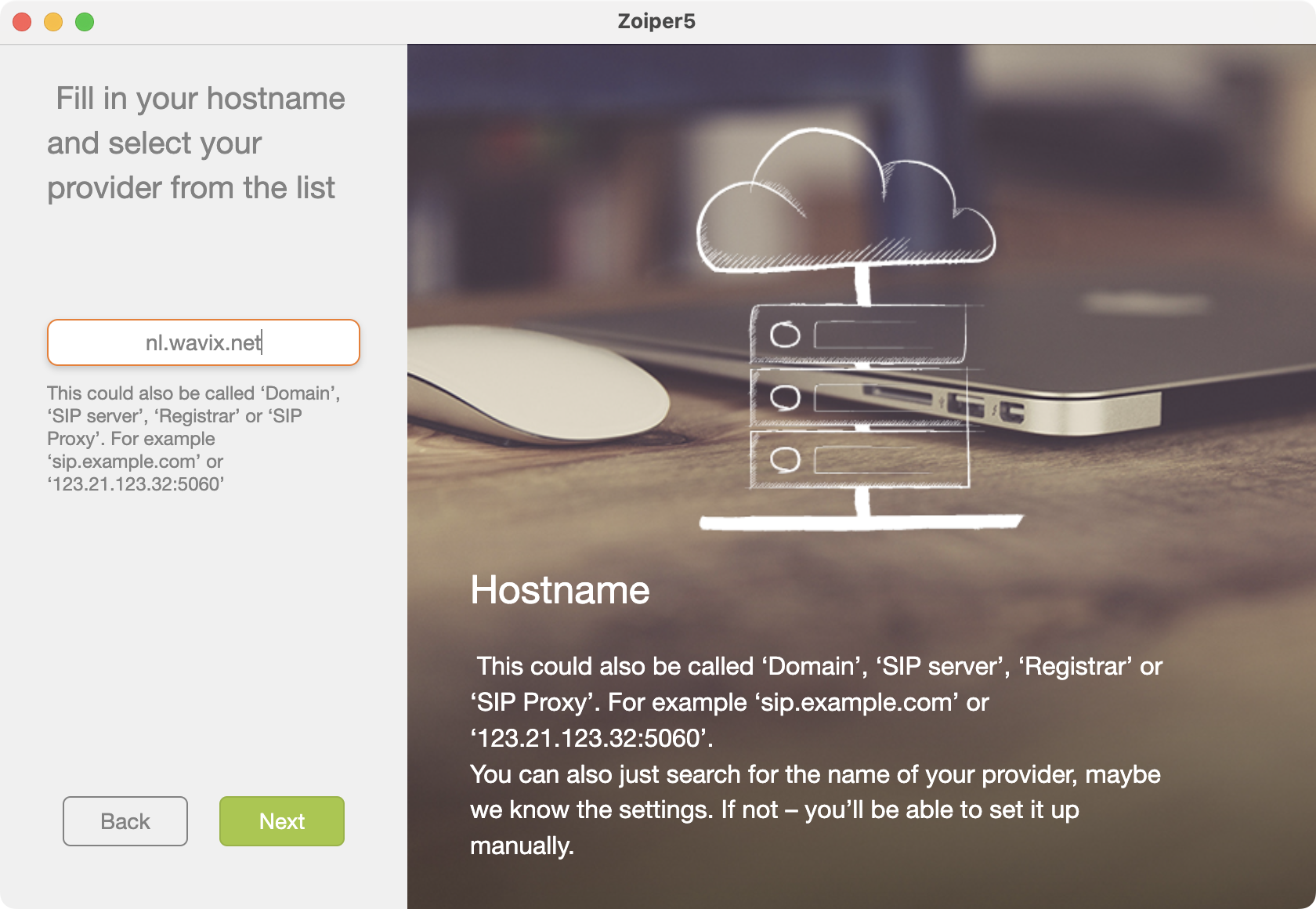
Choose the gateway with the lowest ping from your location. See Wavix IP addresses for the full list of regional gateways.
4
Skip Authentication and Outbound proxy step
Wavix doesn’t require an authentication username. Select Skip.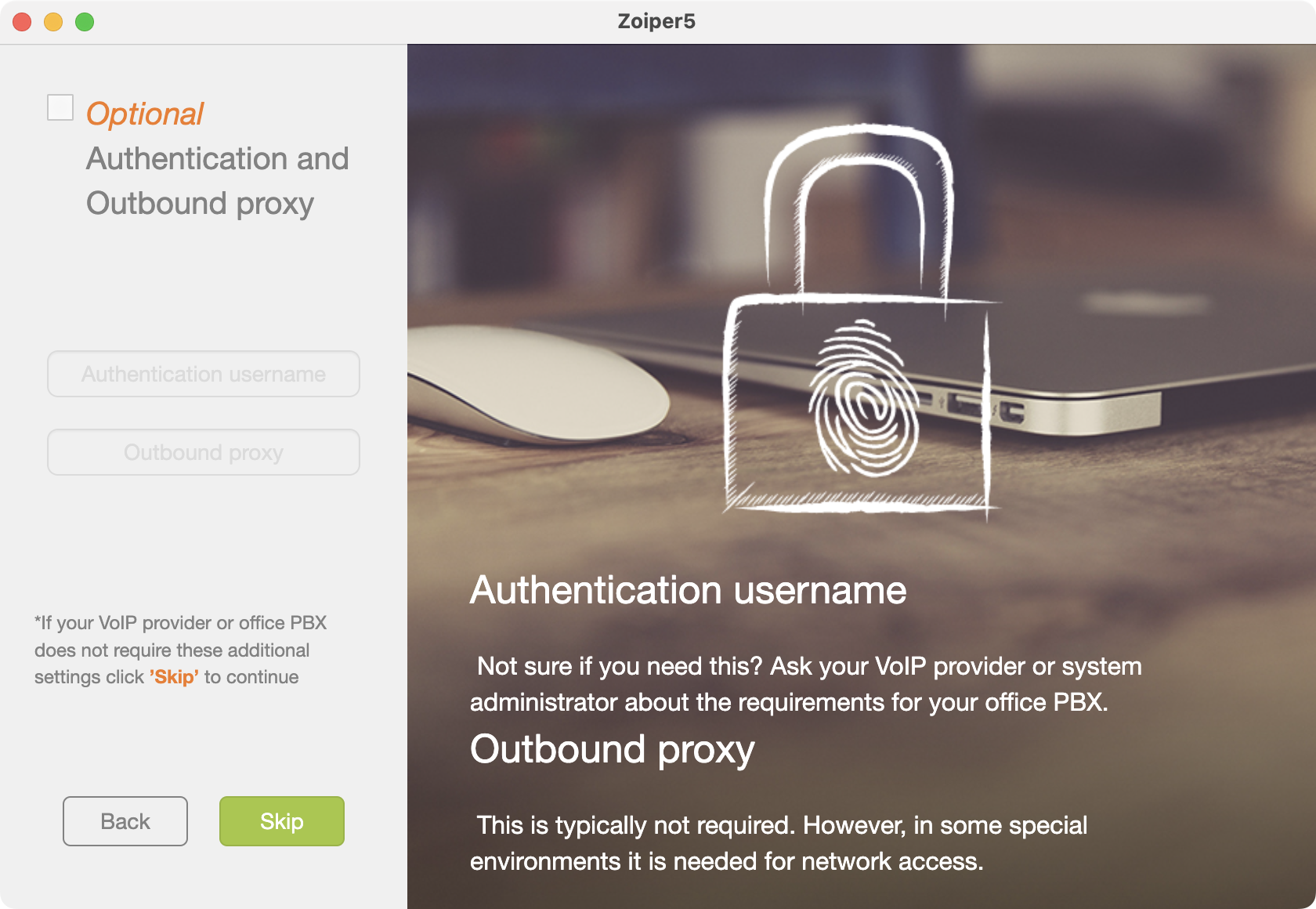
5
Wait for configuration test
Wait while Zoiper validates your configuration and tests the connection to Wavix. Select Next.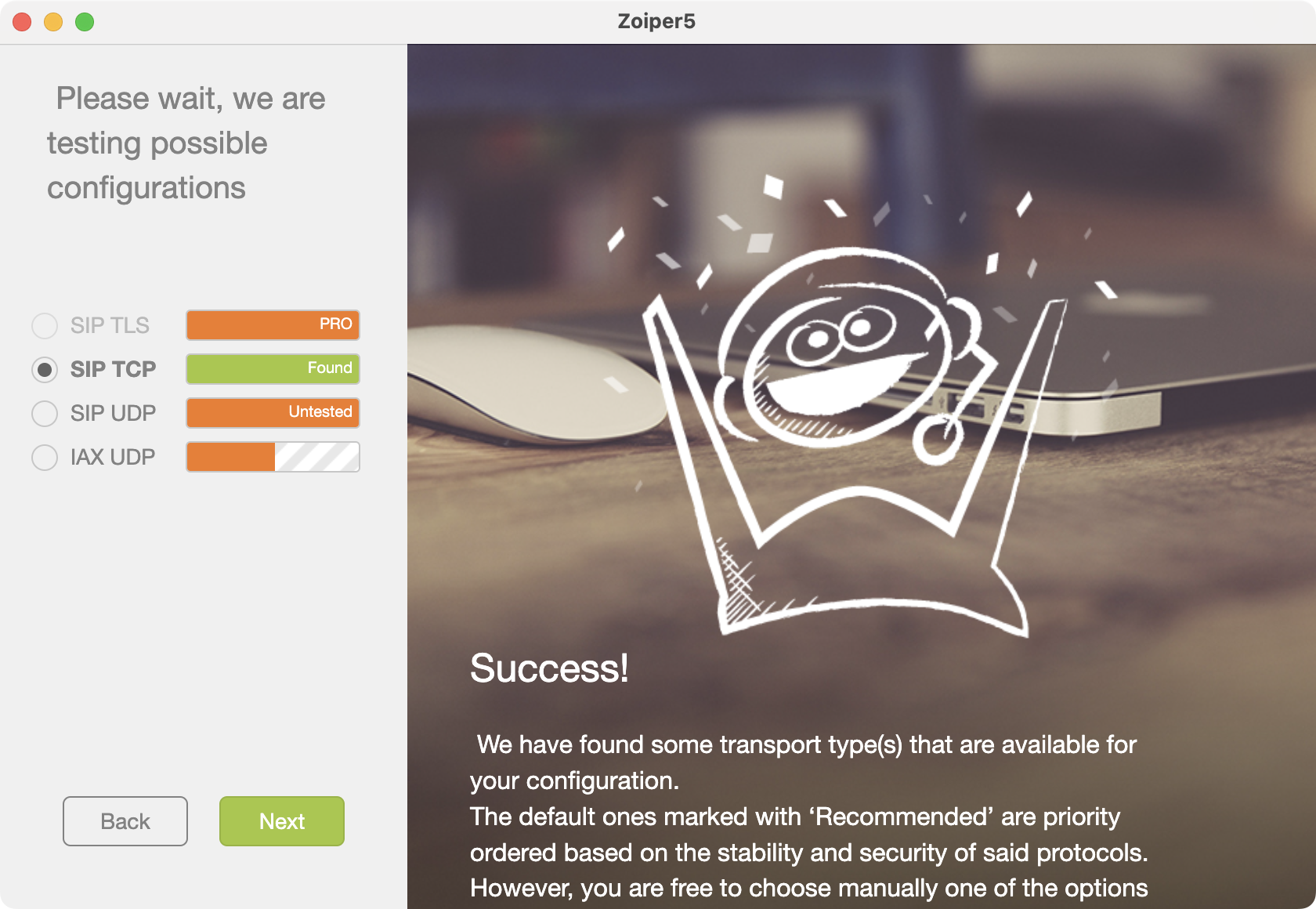
6
Place a call
Close the Account settings, open a dialpad, and place a test call.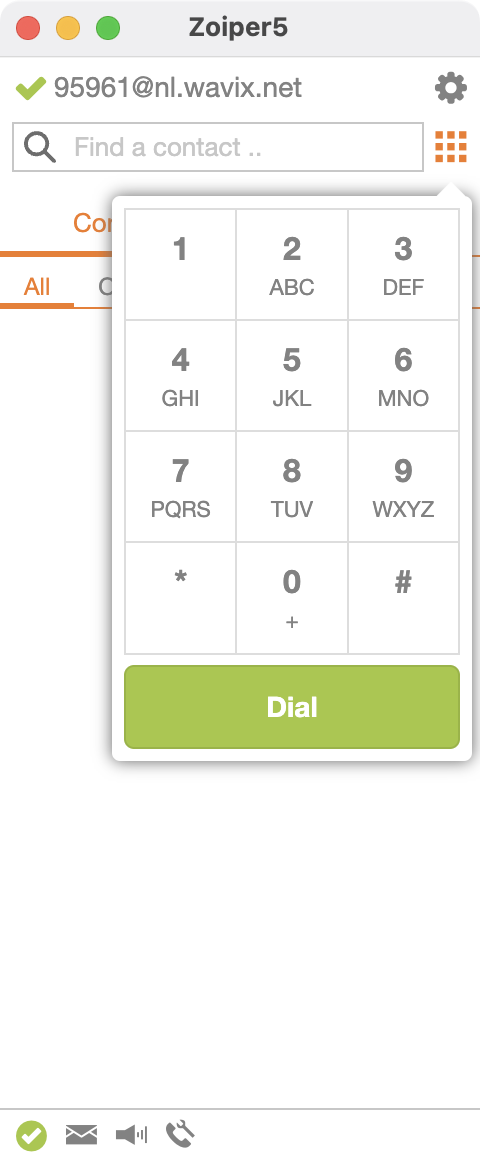
[+][country code][subscriber number including area code]. For example, a US number in E.164 format would be +16561223344. Wavix will reject calls to numbers without a country code or carrying national access codes.
Configure inbound calls
For calls to be routed to your Zoiper instance, follow these steps in your Wavix account:- Sign in to your Wavix account
- Navigate to My numbers under Numbers & trunks in the top menu
- Click on the three dots next to the number you want to edit (right-hand side) and select Edit number
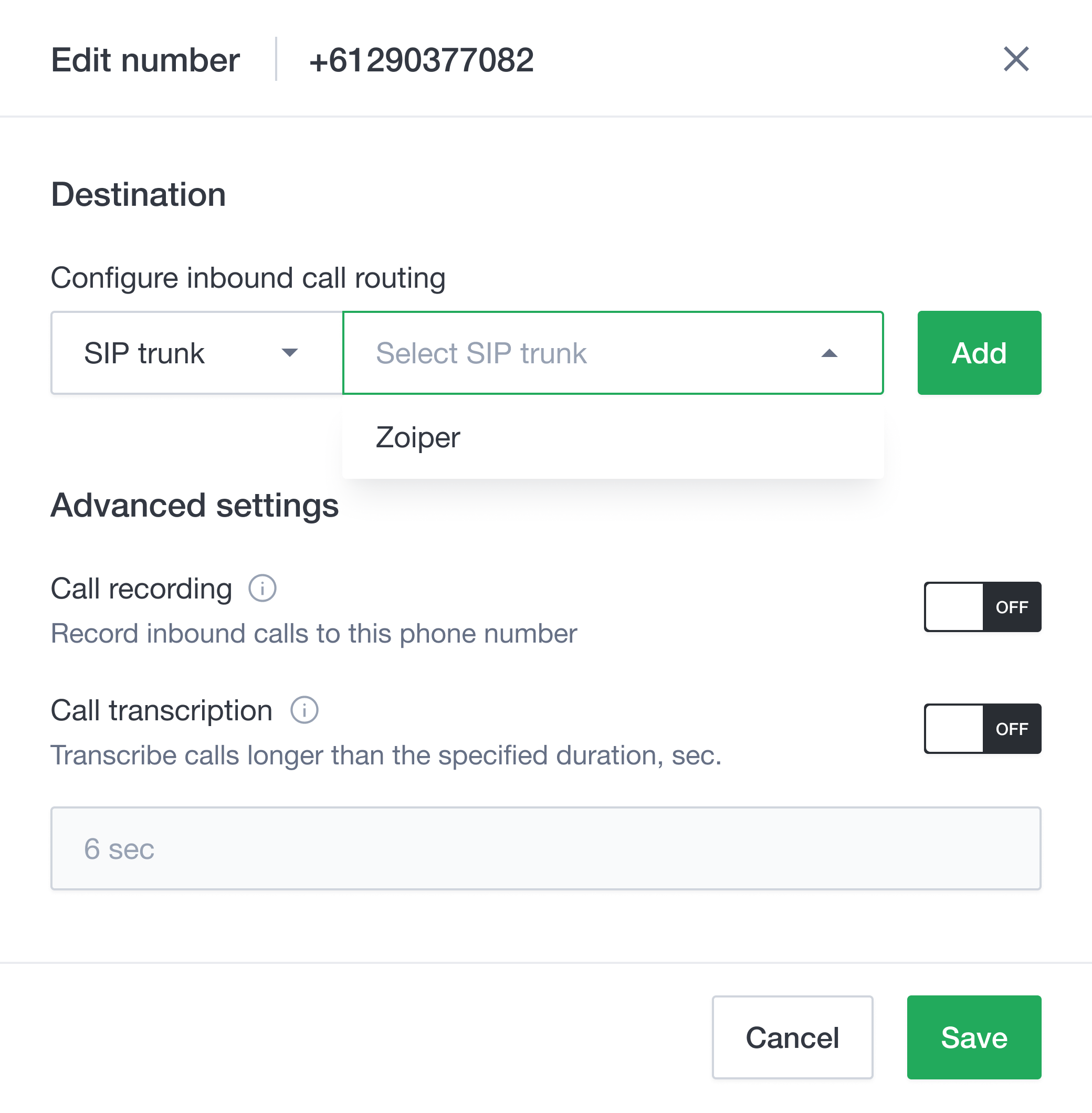
- Select the destination trunk in the Destination section
- Click Add to add the destination for the phone number
- Click Save to apply the settings