

Channels
Each broadcast uses one channel. When you select Create new, the Wavix portal asks you to choose SMS or WhatsApp if both are on for your account.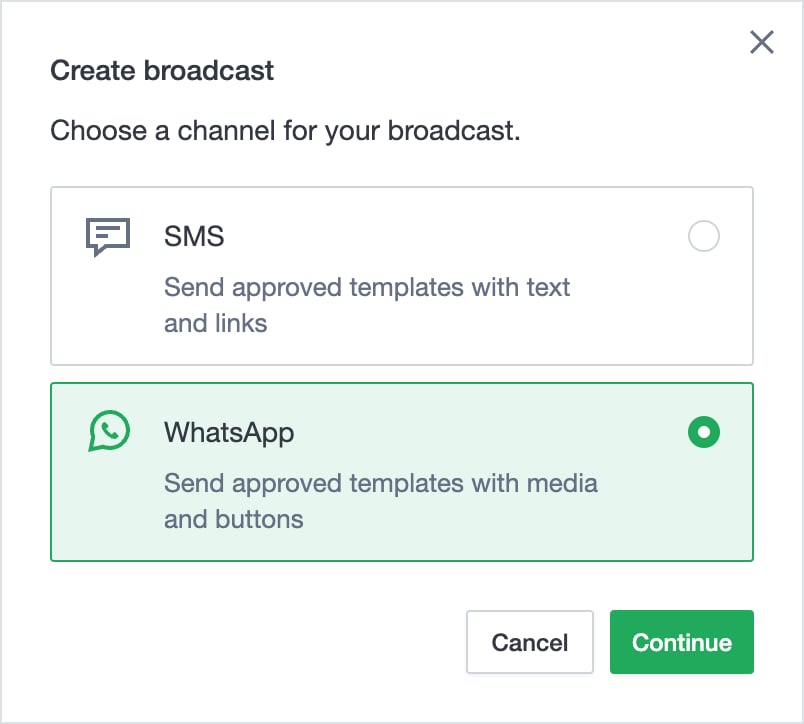
To send a broadcast, see Send an SMS broadcast or Send a WhatsApp broadcast.
Who can use Broadcast
- SMS broadcasts need permission to send SMS for your user in the Wavix account.
- WhatsApp broadcasts need WhatsApp on for your account and WhatsApp broadcasts turned on. To turn them on, contact our support team. To get WhatsApp, request WhatsApp access.
- Sandbox accounts can’t create broadcasts.
- If your account is suspended, you can’t create a broadcast or resume a paused one.
Contacts file
Both channels take the same contacts file: a CSV file with one contact per row.- Save the file as UTF-8.
- Don’t include a header row.
- Put the phone number in the first column, in E.164 format, such as
+12025550123. The plus sign is optional. - Put the data for template variables in the other columns, such as the contact’s name or an order number. The Wavix portal numbers the columns in the order they appear: Column 1, Column 2, Column 3.
- Use the same number of columns in every row.
- Use phone numbers from one country only.
- Separate the columns with commas, semicolons, spaces, tabs, or vertical bars.
Broadcast status
To change a broadcast, select the menu at the end of its row in the broadcast list.